
Home → Blog → Restaurant Growth → Signs Your Restaurant Menu Is Too Long (And How to Fix It)
Signs Your Restaurant Menu Is Too Long (And How to Fix It)
A large menu can overwhelm customers, complicate your kitchen, and hide your best dishes. Learn the signs your restaurant menu is too long and how to simplify it intelligently.
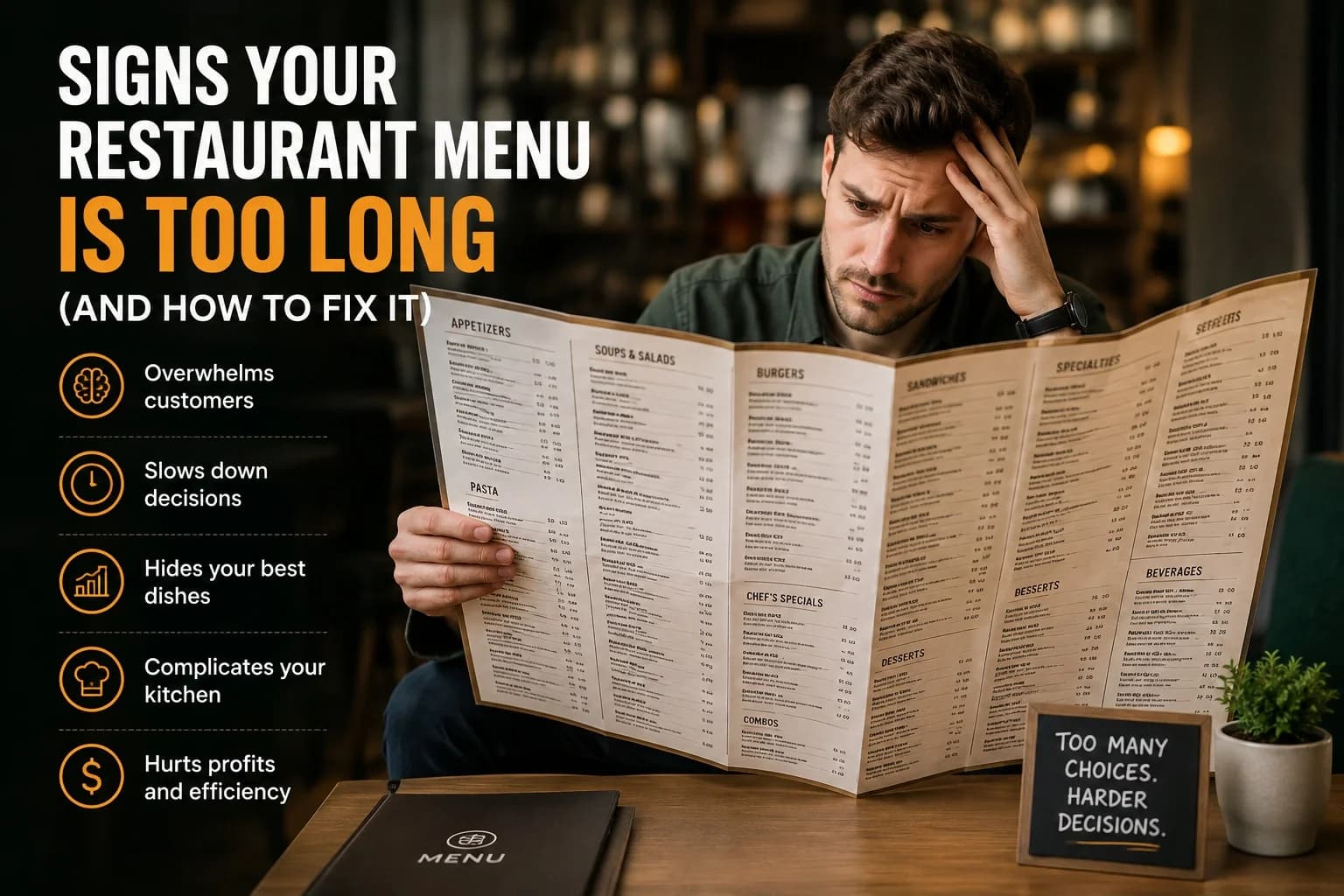
Signs Your Restaurant Menu Is Too Long (And How to Fix It)
A customer sits down at your restaurant.
They open the menu.
And instead of thinking:
"That looks good."
they think:
"Where do I even start?"
There are 12 pages.
Dozens of appetizers.
Multiple versions of the same dish.
Pages of drinks.
Specials.
Combos.
Add-ons.
And somehow, after reading everything, the customer still doesn't know what to order.
This is a problem many restaurants don't realize they have.
A large menu can feel like a good thing. More choices seem like more value. You can serve more types of customers and give people plenty of options.
But there is a point where more choice starts making the decision harder.
A restaurant menu isn't supposed to show customers everything your kitchen is capable of making.
Its job is to help customers choose something they want to eat—and help your restaurant serve it efficiently and profitably.
So how do you know when your menu has become too long?
Here are the signs to look for, and what you can do about them.
1. Customers Take Too Long to Decide
This is probably the most obvious sign.
If customers regularly spend several minutes studying the menu, asking servers questions, changing their minds, and then going back to the menu again, you may have a choice problem.
Some customers simply need time.
That's normal.
But if almost everyone struggles to decide, your menu may be giving them too many competing options.
Think about the difference between these two experiences.
Menu A:
Burger
Chicken Burger
Spicy Chicken Burger
Double Burger
BBQ Burger
Cheese Burger
Mushroom Burger
Bacon Burger
Jalapeño Burger
Steak Burger
Deluxe Burger
Special Burger
Menu B:
Classic Burger
Spicy Chicken Burger
BBQ Bacon Burger
Double Cheeseburger
The second menu doesn't necessarily offer less value.
It simply makes the decision easier.
2. Your Menu Has Several Versions of Almost the Same Dish
Look through your menu and ask yourself:
How many items are actually different?
You might discover that several dishes use almost exactly the same ingredients.
For example, you might have:
- Chicken pasta
- Creamy chicken pasta
- Spicy chicken pasta
- Garlic chicken pasta
- Cheesy chicken pasta
- Special chicken pasta
If the preparation, ingredients, and customer experience are almost identical, you may not need six separate menu items.
Sometimes a smaller number of well-defined choices is easier for customers to understand.
You can still offer customization through options or add-ons where appropriate.
The goal isn't to remove variety blindly.
It's to remove unnecessary duplication.
3. Your Best Dishes Get Lost
This is one of the biggest problems with an oversized menu.
You probably have dishes that you know are excellent.
Maybe they're your best sellers.
Maybe customers specifically come back for them.
Maybe they have your highest margins.
But if those dishes are buried between 80 other options, customers may never notice them.
The way you organize and present those choices matters just as much as the number of choices. See our guide to Restaurant Menu Design & Psychology for more on how customers respond to different menu layouts and presentation choices.
Your menu should help your strongest dishes get attention.
Consider giving important items visual priority through:
- Featured sections
- "Customer Favorite" labels
- Chef's recommendations
- Signature dish sections
- High-quality food photography
You don't need to put a star beside everything.
If everything is a "special," nothing feels special.
4. Your Menu Has Items Nobody Orders
Every restaurant has them.
That one dish that sounded like a great idea six months ago.
Someone orders it once in a while.
The ingredients are still sitting in your kitchen.
And it occupies valuable space on the menu.
Look at your sales data.
Identify dishes that consistently receive very few orders.
Then ask:
- Does the dish actually attract customers?
- Is it profitable?
- Does it use ingredients needed for other dishes?
- Does it create unnecessary kitchen complexity?
- Does it represent an important part of the restaurant?
- Would removing it genuinely disappoint customers?
If the answer is mostly no, consider removing it.
A menu shouldn't preserve every experiment your restaurant has ever tried.
5. Your Kitchen Struggles With Too Many Ingredients
A long menu doesn't only affect customers.
It can make life harder in the kitchen.
Every additional dish can potentially mean:
- More ingredients
- More preparation
- More storage
- More food waste
- More training
- More opportunities for mistakes
- More complicated inventory management
Imagine a restaurant offering 100 dishes, each requiring slightly different ingredients.
Now compare that with a restaurant where many dishes share a smaller set of core ingredients.
The second kitchen may be easier to operate consistently.
This doesn't mean every restaurant should have a tiny menu.
It means your menu size should make sense for your kitchen's actual capacity.
6. Your Menu Has Too Many Categories
Sometimes the problem isn't the number of dishes.
It's the structure.
You might have:
- Starters
- Appetizers
- Small Plates
- Snacks
- Soups
- Salads
- Mains
- Specials
- Chef's Specials
- Combos
- Platters
- Family Meals
- Sides
- Extras
- Desserts
- Drinks
At some point, the customer spends more time figuring out where something belongs than deciding what to order.
Keep categories meaningful and easy to understand.
A customer should be able to scan your menu and quickly understand how it is organized.
7. Your Menu Requires Too Much Explanation
If customers constantly ask:
"What's the difference between these two?"
or:
"What comes with this?"
or:
"Is this spicy?"
your menu may not be communicating clearly enough.
A good menu should answer common questions before the customer has to ask.
Use short descriptions where they genuinely help.
For example:
Spicy Chicken Pasta
Creamy pasta with grilled chicken, roasted peppers and house chili sauce.
Now the customer knows what they're getting.
Don't write an entire paragraph for every dish.
Give enough information to remove uncertainty.
8. Customers Keep Asking What You Recommend
There's nothing wrong with customers asking:
"What's good here?"
In fact, it's a great opportunity for your staff.
But if almost every customer asks because they have no idea where to start, your menu may need stronger guidance.
You can highlight a few dishes as:
Signature
Customer Favorite
Chef's Choice
Popular
The key is to be honest.
Don't label everything "best seller."
Choose a small number of dishes you genuinely want customers to notice.
Giving customers a starting point can make the entire menu feel easier to navigate.
9. Your Menu Looks Crowded
Sometimes you don't even need sales data to spot the problem.
Just look at the menu.
Are the descriptions squeezed together?
Are there tiny fonts?
Are prices difficult to find?
Are there too many boxes, colors, icons, photographs and decorative elements?
Does every inch of the page contain something?
A menu can be technically readable while still being mentally exhausting.
White space is not wasted space.
It gives the customer's eyes somewhere to rest and helps important information stand out.
If you're forced to use tiny text because there isn't enough room, that's a strong signal that something needs to be removed or reorganized.
10. Your Online Menu Is Difficult to Use
The same problem becomes even more noticeable online.
Customers shouldn't have to pinch and zoom to read your menu.
They shouldn't have to download a huge PDF just to find the price of a burger.
They shouldn't have to scroll through one enormous image.
A digital menu should be:
- Mobile-friendly
- Easy to scan
- Clearly categorized
- Fast to load
- Easy to navigate
- Easy to update
This matters because many restaurant customers are looking at your menu on their phones before deciding whether to visit.
If the menu is difficult to use, they may simply leave.
11. Your Prices Are Hard to Understand
A long menu can also make pricing confusing.
You may have several sizes, variations, combos, add-ons and upgrades.
For example:
Burger — $8
Burger with cheese — $9
Burger meal — $12
Burger meal with cheese — $13
Double burger — $11
Double burger meal — $14
Double burger meal with cheese — $15
There's nothing inherently wrong with these options.
But when every dish has multiple variations, customers have to do mental calculations before ordering.
Try to make pricing structures simple.
Group genuine options together.
Clearly explain what comes with a meal.
Make upgrades easy to understand.
The less mental work customers have to do, the easier ordering becomes.
Simplifying your menu can also make your pricing easier to understand. For more on the psychology behind restaurant pricing, see How to Price Your Restaurant Menu Without Scaring Away Customers.
12. Your Menu Changes Constantly
Here's another warning sign.
If you're constantly adding and removing dishes, your menu may be trying to do too much.
Restaurants naturally change menus.
Seasonal items come and go.
Prices change.
Ingredients become unavailable.
That's normal.
But a menu with dozens of items can become difficult to maintain.
You update one price and forget another.
A dish disappears from the kitchen but remains online.
A new item is added to the printed menu but not the website.
The more complicated the menu, the more opportunities there are for these mistakes.
A simpler menu is usually easier to keep accurate.
So, How Long Should a Restaurant Menu Be?
There isn't one magic number.
A small café doesn't need the same menu size as a large family restaurant.
A fine-dining restaurant doesn't need the same structure as a fast-food restaurant.
A better question is:
Can customers understand and navigate your menu easily?
If yes, your menu may be perfectly sized.
If customers regularly feel overwhelmed, your menu may be too large—even if it only has a few pages.
Menu size should support your concept, kitchen, customers and service model.
Don't remove items just because someone online says your menu should contain exactly 20 dishes.
There is no universal number that works for every restaurant.
How to Shorten Your Menu Without Hurting Sales
If you've realized your menu is too long, don't delete half of it tomorrow.
Take a more careful approach.
Step 1: Look at What Actually Sells
Start with your sales data.
Separate your dishes into groups:
High sales + good profit: Keep and promote.
High sales + low profit: Review pricing or ingredients.
Low sales + good profit: Investigate why they're being overlooked.
Low sales + low profit: Strong candidates for removal.
Your menu decisions should be based on what actually happens in your restaurant—not just what you personally like.
Step 2: Remove Duplicate Choices
Look for dishes that are nearly identical.
Can two dishes become one?
Can an ingredient variation become an optional customization?
Can several similar dishes be grouped into one clearer offering?
This can reduce menu length without necessarily reducing meaningful choice.
Step 3: Identify Your Signature Items
Choose the dishes you most want customers to associate with your restaurant.
These might be:
- Your best sellers
- Your most distinctive dishes
- Your most profitable items
- Your specialties
- Dishes customers regularly recommend
Give these items more attention.
A restaurant should have an identity.
Your menu should communicate it.
Step 4: Remove Weak Items Gradually
Don't remove everything that isn't among your top five sellers.
Some dishes may have strategic value.
A vegetarian dish may sell less than your burgers but still be important for groups.
A dessert may have lower sales but increase the value of a meal.
A signature dish may sell less frequently but define your restaurant.
Look at the complete picture before removing something.
Step 5: Redesign the Menu Structure
After removing unnecessary items, reorganize what's left.
Put popular or signature dishes where customers are likely to notice them.
Group similar dishes together.
Use clear headings.
Keep descriptions short and useful.
Give important items enough space.
The objective isn't simply:
"Make the menu shorter."
It's:
"Make the menu easier to choose from."
What About Customers Who Want More Choices?
This is a reasonable concern.
Some customers genuinely want variety.
You don't necessarily have to remove every option.
Instead, separate the experience into layers.
Give customers a manageable number of primary choices, then allow customization where it makes sense.
For example:
Build Your Bowl
Choose your protein, base and sauce.
This can create variety without requiring 30 nearly identical dishes on the main menu.
The customer gets flexibility.
Your menu stays organized.
Your kitchen can also work from a controlled set of ingredients.
A Simple Test for Every Menu Item
Before adding or keeping a dish, ask yourself five questions:
- Do customers actually want it?
- Does it fit our restaurant's identity?
- Is it profitable enough?
- Is it operationally easy to produce?
- Does it deserve space on the menu?
If a dish repeatedly fails several of these tests, it may be time to reconsider it.
Your menu space is valuable.
Use it for items that earn their place.
Your Menu Should Help Customers Decide
A restaurant menu isn't a catalog of everything you can cook.
It's a decision-making tool.
Customers come to your restaurant hungry.
They shouldn't have to become food analysts before they can order dinner.
Give them enough choice to feel comfortable.
Give them enough information to make a confident decision.
And give your best dishes enough attention to be noticed.
The goal isn't to have the biggest menu.
The goal is to have a menu that makes customers think:
"That looks good. I'll have that."
If customers can get there faster, you've probably improved your menu—even if you removed a few dozen items along the way.
Ready to build your restaurant's online presence?
Menuberg helps restaurants launch a professional website and QR digital menu in minutes — no coding required.
Create Your Restaurant WebsiteRelated Articles
How to Handle Negative Restaurant Reviews: A Practical Dos and Don'ts Guide
A bad review doesn't have to hurt your restaurant's reputation — how you respond to it does more work than the review itself. Here's a clear, practical dos-and-don'ts approach.
6 Sept 2026 · 14 min read

Restaurant Marketing Checklist: What to Do Every Week and Every Month
A realistic, no-burnout routine for restaurant marketing — what's worth checking weekly, reviewing monthly, and revisiting every few months, without turning it into a second job.
11 Sept 2026 · 13 min read
New Restaurant Checklist: Getting Your Online Presence Right From Day One
A practical, ordered checklist for getting your restaurant's website, Google profile, menu, and social presence right before, during, and after opening week — not scrambled together at the last minute.
3 Sept 2026 · 12 min read
About Menuberg
Menuberg helps restaurants create professional websites and digital storefronts without complicated setup. Learn more.