
Home → Blog → Restaurant Marketing → New Restaurant Checklist: Getting Your Online Presence Right From Day One
New Restaurant Checklist: Getting Your Online Presence Right From Day One
A practical, ordered checklist for getting your restaurant's website, Google profile, menu, and social presence right before, during, and after opening week — not scrambled together at the last minute.
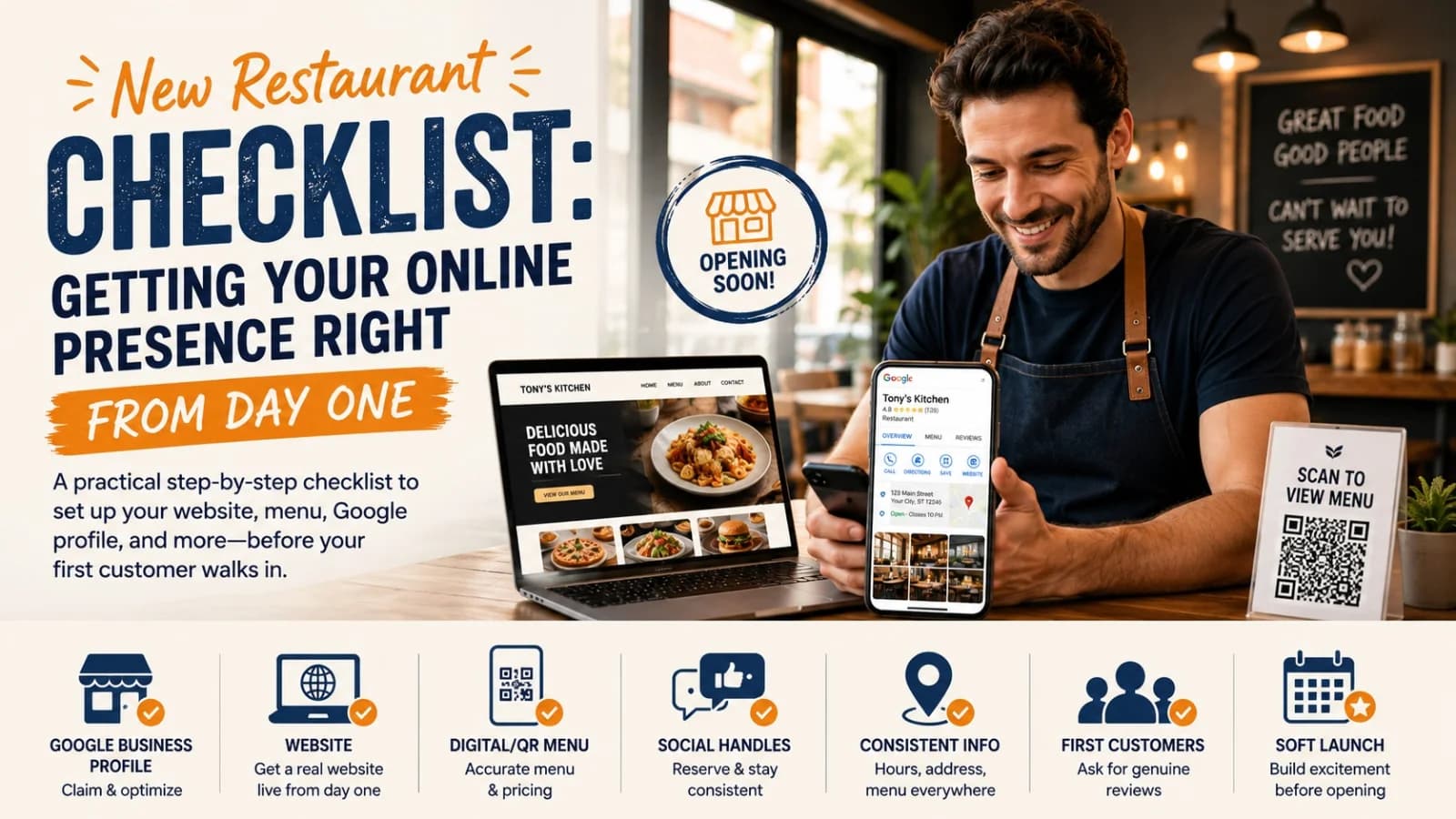
New Restaurant Checklist: Getting Your Online Presence Right From Day One
Opening a restaurant is already a full-time job before you've served a single plate. Contractors, equipment, staff, suppliers, recipe testing, menu printing, furniture — there's a lot competing for attention. Somewhere in the middle of it, someone usually says, almost as an afterthought, "we should probably get a website going."
That's usually where things start slipping. A few days before opening, a rushed Instagram account gets created, a basic website goes up with an old menu photo, a Google Business Profile gets filled in halfway, and everyone hopes it sorts itself out.
The problem is that people start looking for your restaurant before you open, not after. They search for your address while planning a night out. They check your menu to see if there's something for a picky eater in the group. They look for your opening date because a friend mentioned you. If your online presence isn't ready when they look, you've lost them before they ever walked in.
Treat your online presence as part of the opening plan, not something you tidy up once the sign is hung. Here's a practical way to sequence it.
Before You Open: Build the Foundation
You don't need a marketing department or an expensive website for this. You need the basics done properly before your first customer ever searches your name.
1. Claim and Set Up Your Google Business Profile
This is usually the single highest-leverage thing on the list, because it's often the first place a potential customer encounters you — through Google Search or Maps, not your own site.
Get the fundamentals right rather than filling it in once and forgetting about it:
- Restaurant name
- Primary category
- Address
- Phone number
- Opening hours
- Website link
- Menu information
- Photos
If you're still pre-opening, follow Google's guidance for businesses that haven't launched yet — there are specific settings for that, and skipping them can cause your listing to look inactive. Once it's live, revisit it regularly rather than treating it as a one-time setup. For a more detailed walkthrough, see Google Business Profile for Restaurants.
2. Get a Real Website Live — Not a "Coming Soon" Page
If you're already promoting your restaurant on social media, a bare "coming soon" page undercuts that effort. Anyone curious enough to click through deserves somewhere useful to land.
A small restaurant doesn't need twenty pages. Menu, About, and Contact cover most of what a first-time visitor is actually looking for: where you are, what you serve, when you're open, and how to reach you. A website also gives you something Instagram and Facebook don't — a page you fully control, that doesn't change its rules or its algorithm out from under you.
You don't need to hire a developer to get this live. This is essentially what Menuberg was built for — a small restaurant can set up a real website with a working menu and get it live without touching code, and update prices or dishes themselves whenever something changes. Whatever platform you use, the important thing is that the site exists, is accurate, and is live before people start looking for it — not after.
3. Put Your Menu Online Before Opening Day
Don't wait for someone to ask whether you have a menu online. Have it ready, and check it properly: every dish, every price, every description, spelling, and photos where they help.
Check it on a phone, specifically. A menu that looks clean on a laptop can be a mess on a small screen — and most people checking a restaurant's menu before a visit are doing it on their phone, not sitting at a desktop. Don't make people download a large PDF or zoom into a photo of a printed menu to figure out what you serve.
Just as important: your physical menu, your website menu, and your QR menu should all say the same thing. Three slightly different versions of your menu floating around is a fast way to confuse and frustrate returning customers.
4. Test Your QR Menu Before the Doors Open
If you're using QR codes at the table, test them properly before opening day — not just once, on your own phone, in good lighting. Print the actual code. Scan it with a few different phones. Try it from a normal seated distance, not right up close. Confirm it opens the correct page every time.
Then use it yourself as if you were a first-time customer. Can you find what you want quickly, or does it take a few confused taps to get anywhere useful? A QR code that leads to a broken link, an outdated menu, or a slow-loading page is worse than not having one at all — it actively signals that nobody's paying attention.
5. Reserve Your Social Media Handles
Secure your restaurant's name across the platforms that actually make sense for your business, before you start any public promotion. Keep the username consistent — if you're "Tony's Kitchen," customers shouldn't have to guess between five different variations to find the real account.
You don't need to actively run every platform you claim. Two platforms maintained properly beat six that go quiet after opening week. At minimum, make sure the real account is easy to find: use your actual name, add your location, add opening details, and use a recognizable profile photo. An unfinished-looking profile makes people hesitate before following.
6. Make Your Information Match Everywhere
This is simple in theory and easy to get wrong in practice. Your name, address, phone number, hours, and menu should say the same thing everywhere — Google Business Profile, your website, Instagram, Facebook, local directories, review sites, food delivery platforms, your QR menu.
If your website says you close at 11pm, Instagram says 10, Google says 9, and the printed menu says something else entirely, a customer has no way to know which one to trust — and they won't call to check. They'll just assume you're closed and go somewhere else. Pick the correct information once, and keep it identical everywhere.
7. Decide What Your Restaurant Is Actually Known For
This is a branding question more than a technical one, but it shapes everything online. If someone asks what kind of restaurant you are, can you answer in one clear sentence — "a casual neighborhood Italian spot known for fresh pasta and wood-fired pizza" — rather than something vague like "we serve a bit of everything"?
Your website, your Google profile, and your social presence should all communicate the same identity without you having to force keywords into every caption. Clarity here makes everything else — search visibility, word of mouth, even your own menu design — easier.
48 Hours Before Opening: Test Everything
The last two days shouldn't be when you discover basic problems for the first time. Go through this like a stranger would, not like the owner who already knows where everything is:
- Open your website on your phone and check every page
- Open the menu and check every price
- Scan the QR code and confirm it works
- Search your restaurant on Google and look at what actually shows up
- Call the phone number listed online and make sure it reaches the right place
- Check the address for accuracy
- Ask yourself: could someone who's never heard of this restaurant figure out what you sell, where you are, and how to contact you in a few seconds?
If the answer is no anywhere along that list, fix it before opening day — not after.
The Week of Opening: Start Creating Awareness
Opening day shouldn't be the first time anyone hears about you.
8. Show the Restaurant Before It Opens
Use social media to build some anticipation in the days leading up to launch — interior progress, new equipment going in, menu testing, staff introductions, the exterior taking shape. This doesn't need professional photography. Genuine behind-the-scenes content is often more interesting than a polished ad, and it gives people a reason to remember you before you've even opened.
9. Announce the Opening Clearly
Don't make people guess. State the restaurant name, opening date, opening time, location, type of food, and where to find the menu — plainly, in one post people can screenshot. If the date changes, update it everywhere immediately. Nothing sours a first impression faster than someone showing up because of an old announcement, only to find the doors still closed.
10. Get Decent Photos From Day One
You don't need a professional photographer following you around, but you do need a handful of good, honest photos: your best dishes, the exterior, the dining room, the team. Your first few weeks are when people form their first real impression of the restaurant online — don't let that first impression be an empty photo grid.
11. Ask Genuine Customers for Honest Reviews
Once you're actually serving customers, reviews become one of the most influential parts of your online presence — but the request matters. A simple "if you enjoyed your visit, we'd really appreciate an honest Google review" is enough. Don't buy reviews, don't create fake accounts, and don't pressure anyone to change a negative one.
If a review raises a legitimate issue, treat it as useful information rather than something to argue with. Your first month is genuinely a good window to learn what's working and what isn't.
Common First-Month Mistakes
Opening day is exciting, but an online presence can go stale fast if nobody's assigned to maintain it.
12. Forgetting to Update Opening Hours
Hours often shift after the first few weeks — Monday turns out to be unprofitable, weekday closing time moves earlier, lunch service gets added. Update this everywhere as soon as it changes. A customer who shows up to outdated hours usually doesn't call to ask why — they just leave, and you never find out you lost them.
13. Letting the Online Menu Drift From the Real One
This happens gradually and almost invisibly. A dish sells out, a price changes, something new gets added — the printed menu gets updated in the kitchen, but the website doesn't catch up, or the website updates and the QR code still points to an old version. Before long, there are three slightly different menus floating around and customers notice.
The fix isn't discipline, it's friction. If updating a price means waiting on a developer, it gets postponed indefinitely. If you can edit it yourself in under a minute — which is the specific problem a tool like Menuberg's menu manager is built to solve, letting you toggle items or update prices directly — you're far more likely to actually keep it current.
14. Waiting Too Long to Add Photos
The restaurant's open, food is going out, and the Google profile still has a gray placeholder icon. Fix that early — you don't need a hundred photos on day one, just a small, honest set that represents what people will actually experience, added to gradually over time.
15. Turning Every Post Into an Advertisement
"Come visit us." "Order now." "Special offer." When every post is a pitch, people stop paying attention fairly quickly. Mix in the food, the kitchen, the people behind the restaurant, and what makes the place genuinely different. You're not just trying to sell something today — you're trying to be memorable enough to think of next month.
Don't Try to Build Everything at Once
It's easy for a new restaurant to feel like it needs SEO, social media, email marketing, paid ads, a blog, video content, and influencer partnerships all running from week one. That's not realistic, and it's not necessary.
A restaurant that has accurate Google information, a real working website, a menu that matches everywhere, consistent business details, decent photos, an active (if modest) social presence, and genuine reviews has a stronger foundation than one attempting twenty tactics half-heartedly. Everything else can be layered on later.
New Restaurant Online Presence Checklist
Before Opening
- Claim and verify your Google Business Profile
- Choose the correct restaurant category
- Add accurate business information
- Create a real, working website
- Confirm the website works well on mobile
- Publish your menu and check every price
- Create and test your QR menu
- Reserve your social media handles
- Use a consistent restaurant name everywhere
- Add address and contact details across every listing
- Lock in your actual opening hours
48 Hours Before Opening
- Test the website on a phone
- Test the QR code
- Check the online menu against the real one
- Search your restaurant on Google and review what appears
- Confirm opening hours are correct
- Confirm the address is accurate
- Call the listed phone number to test it
- Make sure key information is easy to find at a glance
First Week
- Announce the opening clearly
- Share behind-the-scenes content
- Upload restaurant and food photos
- Ask satisfied customers for honest reviews
- Respond to feedback as it comes in
- Recheck that online information is still accurate
First Month
- Update any changed opening hours
- Keep the online menu synced with the real one
- Add new dishes as they launch
- Remove unavailable items promptly
- Keep collecting genuine reviews
- Check what customers are actually responding to
- Fix whatever part of the online experience is causing friction
Your First Customer Shouldn't Be Your First Online Test
Opening a restaurant is too expensive and too much work to treat the online side as an afterthought. By the time the doors open, people should already be able to find you, see what you serve, know your hours, browse your menu, and reach you without friction.
None of that requires a large budget. It requires sequencing — building it, testing it, filling it with accurate information, and only then opening the doors.
Your first customer should be walking into a restaurant that's ready, not one still figuring out its own website.
Ready to build your restaurant's online presence?
Menuberg helps restaurants launch a professional website and QR digital menu in minutes — no coding required.
Create Your Restaurant WebsiteRelated Articles
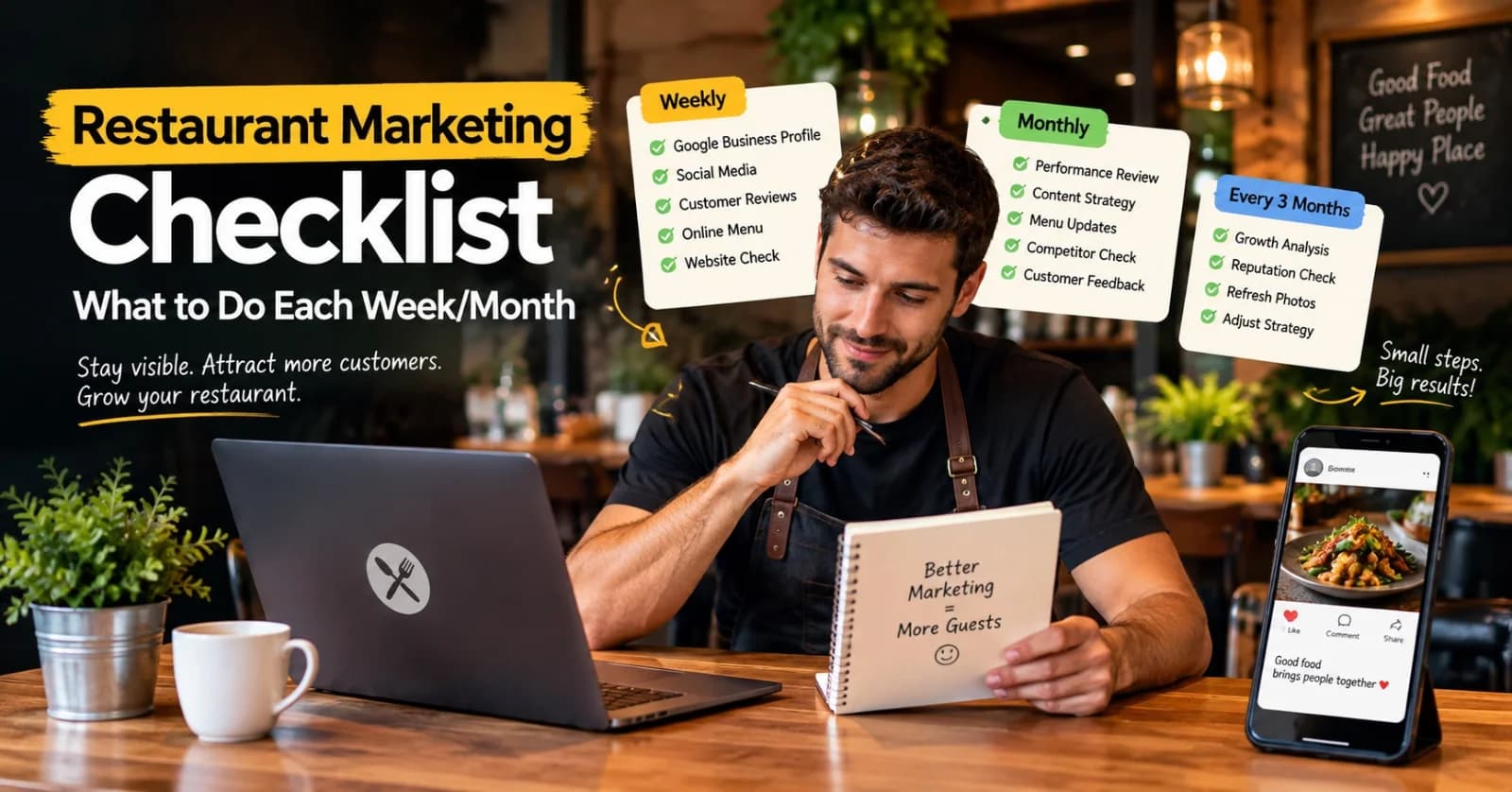
Restaurant Marketing Checklist: What to Do Every Week and Every Month
A realistic, no-burnout routine for restaurant marketing — what's worth checking weekly, reviewing monthly, and revisiting every few months, without turning it into a second job.
11 Sept 2026 · 13 min read
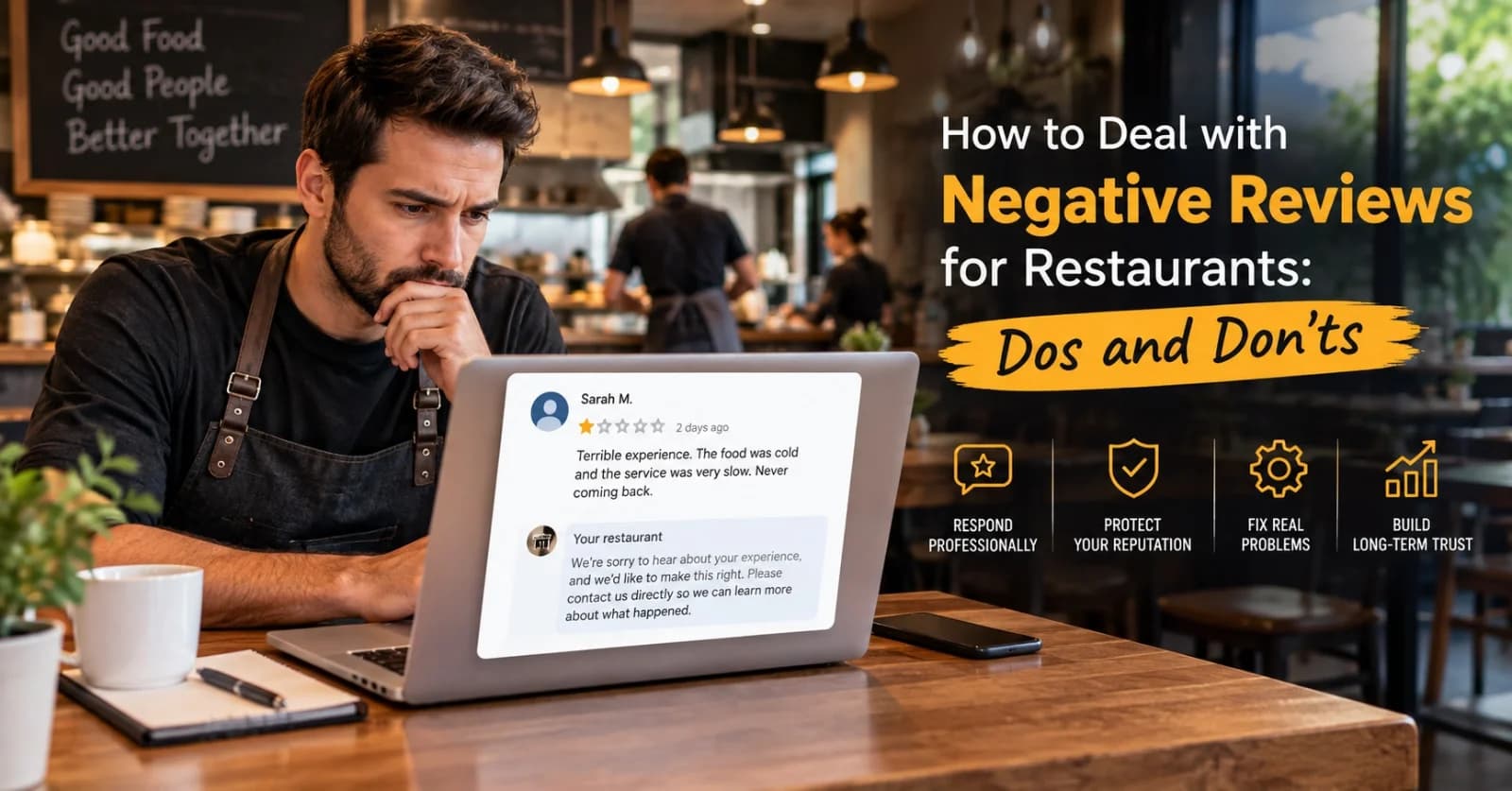
How to Handle Negative Restaurant Reviews: A Practical Dos and Don'ts Guide
A bad review doesn't have to hurt your restaurant's reputation — how you respond to it does more work than the review itself. Here's a clear, practical dos-and-don'ts approach.
6 Sept 2026 · 14 min read
How to Get Repeat Customers Without a Loyalty App
Loyalty apps aren't what actually brings restaurant customers back. Here's what does — and how small, independent restaurants can build real repeat business without an app or a points system.
31 Aug 2026 · 9 min read
About Menuberg
Menuberg helps restaurants create professional websites and digital storefronts without complicated setup. Learn more.