
Home → Blog → Restaurant Growth → Google Business Profile for Restaurants: Complete Guide
Google Business Profile for Restaurants: Complete Guide
Your Google Business Profile can be one of the most valuable free marketing tools for your restaurant. Learn how to set it up correctly, optimize your menu, photos, reviews, website, and local information, and turn Google searches into real customers.
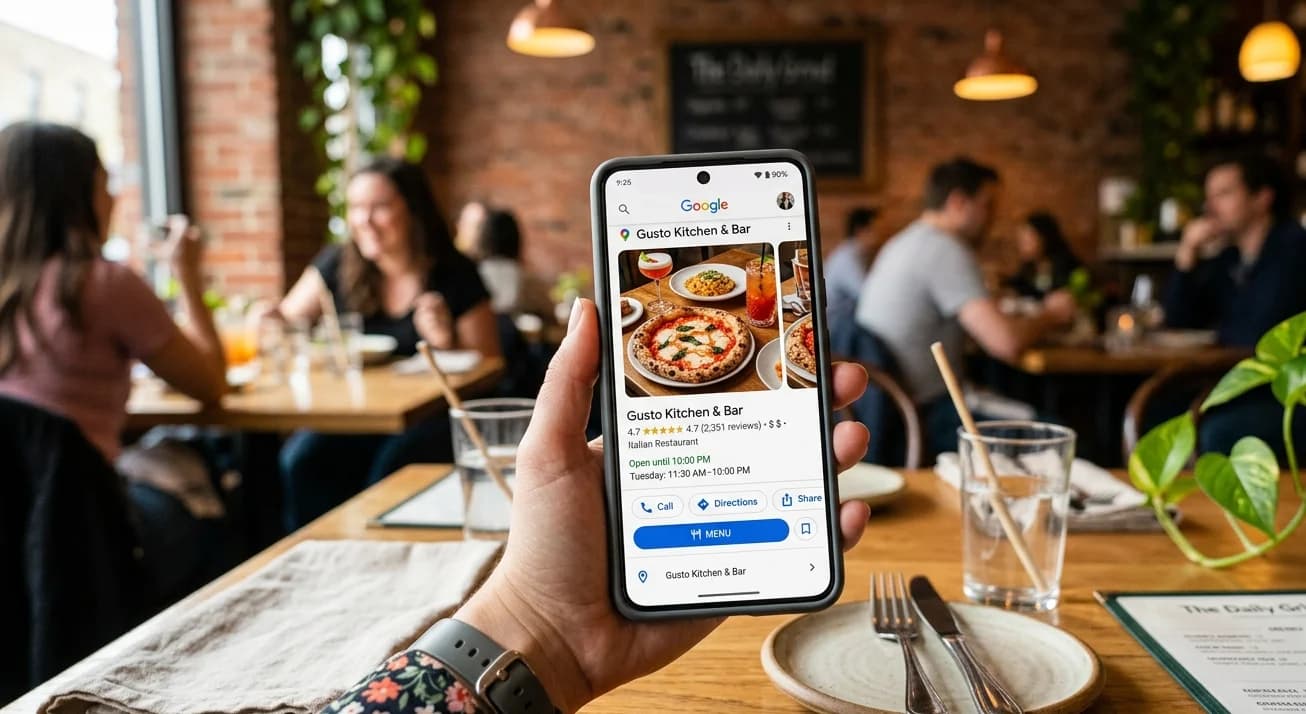
Google Business Profile for Restaurants: The Complete Guide
When someone searches for a restaurant on Google, they don't always see a website first.
Sometimes they see a map.
Sometimes they see a list of nearby restaurants.
Sometimes they see photos, reviews, opening hours, a phone number, directions, and a menu—all before they ever click a website.
That information comes from your Google Business Profile.
And for a restaurant, it can be one of the most important pieces of your online presence.
Think about the moment someone searches:
"pizza near me"
They're probably not looking for a 2,000-word article about pizza.
They're looking for somewhere to eat.
They want to know:
Is it close?
Does the food look good?
What does the menu look like?
How much does it cost?
Are they open?
Do other customers like it?
How do I get there?
Your Google Business Profile can answer many of those questions immediately.
If you're running a restaurant and haven't properly optimized your profile, you're potentially leaving one of your most valuable local discovery channels underused.
Here's how to get it right.
What Is a Google Business Profile?
A Google Business Profile is the business listing that can appear when people search for your restaurant on Google Search or Google Maps.
It can display information such as:
- Restaurant name
- Address
- Phone number
- Opening hours
- Website
- Photos
- Reviews
- Menu
- Business category
- Attributes
- Customer updates and other information
Google explains that information shown in Business Profiles can come from the business owner, customers, public web content, third-party data, and other sources.
That last point is important.
Your Google profile isn't necessarily controlled entirely by you.
Google may combine information from different places.
That's why keeping your restaurant's information accurate and consistent matters.
Why Google Business Profile Matters So Much for Restaurants
Restaurants have a major advantage over many other businesses:
People constantly search for them based on location and immediate need.
Someone doesn't usually search for a restaurant six months before visiting.
They might search ten minutes before dinner.
Or while walking around a neighborhood.
Or while sitting in their car.
Or while planning tonight's meal.
That creates an extremely valuable type of search:
high-intent local search.
Google says local results are mainly influenced by relevance, distance, and prominence.
You can't control every factor.
You can't move your restaurant closer to a customer.
And you can't instantly become the most famous restaurant in your city.
But you can make your profile highly relevant and complete.
And that's where optimization begins.
Step 1: Claim Your Restaurant's Business Profile
Start by searching for your restaurant on Google.
You may discover that a profile already exists even if you never created it yourself.
If it exists, you can request ownership and verify that you're authorized to manage the business.
If it doesn't exist, you can create a new Business Profile.
Google's restaurant-specific setup guidance recommends adding or claiming the profile and completing the verification process.
Don't skip verification.
It establishes that you're authorized to represent the business and gives you control over important information.
Step 2: Use Your Real Restaurant Name
This sounds obvious.
But it's one of the easiest places to make a mistake.
If your restaurant is called:
Tony's Pizza
don't turn your Google name into:
Tony's Best Pizza Restaurant in Downtown Chicago | Cheap Pizza Near Me
just because you think those keywords will help.
Google's guidelines require businesses to represent themselves accurately and consistently as they are recognized in the real world.
Your business name should be your actual business name.
Don't turn it into an advertisement.
Step 3: Choose the Right Primary Category
Your category tells Google what kind of business you operate.
For example:
- Pizza restaurant
- Indian restaurant
- Italian restaurant
- Cafe
- Bakery
- Fast food restaurant
- Mexican restaurant
Google says the categories you select help connect your business with customers searching for relevant businesses and can affect local ranking.
Choose the category that most accurately represents your primary business.
Don't choose a category simply because you think it has more searches.
Accuracy comes first.
You may also be able to add additional categories when they're genuinely relevant.
Step 4: Enter Your Address Correctly
For a restaurant with a physical location customers can visit, your address needs to be accurate.
Double-check:
- Street address
- City
- Postal code
- Building/unit information where applicable
- Map pin
Imagine a customer finds your restaurant on Google, taps Directions, and ends up at the wrong location.
That's not an SEO problem anymore.
That's a customer experience problem.
Google specifically recommends complete and accurate business information, including address and other location details.
Step 5: Set Your Opening Hours Correctly
Opening hours look like a small detail.
They're not.
A hungry customer searching at 10:30 PM wants to know whether you're open right now.
If Google says you're open but your doors are locked, you've created a terrible experience.
If Google says you're closed while you're actually open, you may lose a customer.
Keep your regular hours accurate.
Also remember special hours and seasonal changes.
Google's restaurant guidelines specifically explain that restaurant hours should reflect when diners can actually dine at the restaurant, with other service hours handled appropriately.
Step 6: Add Your Restaurant Website
Your Business Profile shouldn't have to answer every question by itself.
Give customers a way to continue to your own website.
Your website can provide:
- Full menu
- Restaurant story
- Contact information
- Location details
- Food photography
- Additional information
- Clear calls to action
Think of the relationship like this:
Google gets you discovered.
Your website gives customers more information.
Your menu helps them decide.
For a small restaurant, creating that website doesn't necessarily require a developer.
A restaurant-focused website platform such as Menuberg allows a restaurant to create its own website on a dedicated subdomain such as:
restaurant.menuberg.com
The restaurant can then maintain its website and menu without needing a technical team.
That's particularly useful when the Business Profile and website are working together rather than existing as two disconnected online assets.
Step 7: Add Your Menu
This is one of the most important restaurant-specific features of Google Business Profile.
Restaurants can add menu sections, dishes, descriptions, and prices directly to their Business Profile. Google also allows restaurants to provide a menu URL.
Take advantage of this.
Your menu should be:
- Complete
- Current
- Easy to understand
- Organized into sensible sections
- Accurate about prices
- Representative of what you actually serve
For example:
Starters
Chicken Wings — $8 Crispy wings served with your choice of sauce.
Main Courses
Classic Beef Burger — $12 Grilled beef patty with lettuce, tomato, onion, and house sauce.
This is much more useful than uploading one blurry photograph of a printed menu.
Step 8: Don't Let Your Menu Become Outdated
This is particularly important for restaurants.
Menus change.
A dish gets removed.
A seasonal item arrives.
A price changes.
A popular ingredient becomes unavailable.
Your Google menu needs attention just like your physical menu does.
Google says menu edits can take approximately 24–48 hours to appear on Google Search and Maps.
So don't wait until the customer complains.
Make updating the menu part of your normal restaurant routine.
If your website is connected to your online presence, keep the website menu current too.
With Menuberg, restaurant owners can manage menu items themselves and enable or disable items with a single click.
That's useful when something sells out.
You shouldn't need to call a developer because you've run out of chicken wings.
Step 9: Upload High-Quality Photos
Restaurants are visual businesses.
People want to see the food.
They want to see the atmosphere.
They want to know what the restaurant looks like before visiting.
Google recommends adding photos and videos showing things such as your storefront, interior, and dining experience.
Start with:
- Exterior
- Interior
- Dining area
- Signature dishes
- Popular dishes
- Staff
- Restaurant atmosphere
Your exterior photo is particularly useful because it can help customers recognize the restaurant when they arrive.
Google recommends photos that are clear, well-lit, and in focus, without excessive alterations or filters.
You don't need a professional photographer for every picture.
Good lighting and a clean, realistic presentation can go a long way.
Step 10: Encourage Genuine Reviews
Reviews are one of the first things customers look at.
Think about your own behavior.
If two restaurants are equally close and one has 4.7 stars from hundreds of customers while the other has barely any reviews, which one feels safer?
Reviews create social proof.
Google also says reviews and positive ratings can contribute to a business's prominence in local search.
But there's an important rule:
Get genuine reviews.
Don't buy them.
Don't create fake accounts.
Don't ask employees to pretend to be customers.
Don't manipulate the rating.
Instead, provide a good experience and make it easy for real customers to leave feedback.
Google provides a review link that businesses can share with customers.
A simple message after a good experience can be enough:
"If you enjoyed your visit, we'd really appreciate an honest Google review."
Step 11: Respond to Your Reviews
Don't treat reviews as something that happens to your restaurant.
Participate in the conversation.
Thank customers who leave positive feedback.
When someone has a legitimate complaint, respond professionally.
Don't argue.
Don't insult the customer.
Don't write a defensive paragraph explaining why they're wrong.
Instead:
Acknowledge → Explain if necessary → Offer a solution → Move forward.
Google recommends responding to reviews and notes that helpful responses can help your business stand out.
A thoughtful response can also reassure future customers reading the review.
Remember:
You're not only responding to the person who wrote the review.
You're responding to everyone who reads it afterward.
Step 12: Add Your Menu URL
Google allows restaurants to add a link to where their menu can be found.
This is an excellent place to connect your Business Profile to your restaurant website.
For example:
Google → Menu → Your Restaurant Website
A customer searching your restaurant can move directly from discovery to your actual menu.
This is one reason having a proper web-based menu is preferable to relying entirely on a PDF.
Your menu should open comfortably on a phone.
Step 13: Don't Use a Fake Menu
Google's guidelines say restaurant menus should represent the items actually available at the business. A menu should not simply be a selection of a few "popular" items pretending to be the complete menu.
So don't create a page that says:
"Here are our five best dishes."
and call it your restaurant menu.
If you provide a menu link, make sure customers can actually find the relevant menu.
If you have separate breakfast, lunch, and dinner menus, organize them clearly.
The goal is to reduce confusion.
Step 14: Keep Your Restaurant Information Consistent
Your restaurant probably exists in multiple places online.
You might have:
- Google Business Profile
- Restaurant website
- Food platforms
- Local directories
- Review sites
Try to keep your important information consistent.
If your website says you're open until midnight but Google says 10 PM, customers won't know which information to trust.
The same applies to:
- Restaurant name
- Address
- Phone number
- Website
- Hours
- Menu
Google itself gathers Business Profile information from multiple sources, including public web content and the business's official website.
Consistency makes it easier for customers—and search systems—to understand the business.
Step 15: Use Restaurant-Specific Information
Don't make your profile look like a generic business listing.
Restaurants have specific information customers care about.
Depending on your business and Google's available features, make use of relevant restaurant information and attributes.
For example:
- Cuisine type
- Dining options
- Outdoor seating
- Accessibility
- Parking
- Amenities
- Other relevant attributes
The exact options available can vary by category and location.
The principle is simple:
Give customers the information they need to decide.
Step 16: Add Photos of Your Best Dishes
Don't stop at photographs of the building.
Your food is the product.
Show it.
If you serve:
- Butter chicken
- Cheeseburgers
- Sushi
- Pizza
- Pasta
- Tacos
- Desserts
show customers what those dishes actually look like.
Google also allows restaurants to manage popular dish information, including dish names and photos.
This can help customers understand what you offer before they visit.
And there's a psychological advantage:
People can imagine eating something much more easily when they can see it.
Step 17: Don't Ignore Customer-Uploaded Photos
You aren't the only person who can add photos.
Customers can contribute photos to a Business Profile as well. Google notes that customer photo updates can include things such as seasonal menus, new products, or changes to business information.
That means your restaurant's online appearance isn't entirely controlled by your marketing team.
The best response isn't to panic about every customer photograph.
It's to consistently provide a good real-world experience.
When customers enjoy your restaurant, they naturally create additional content around it.
Step 18: Use Google Business Profile Insights
Once your profile is active, don't just set it and forget it.
Look at the performance information available to you.
Google provides Business Profile performance data and insights. For restaurants, Google specifically identifies metrics such as searches and menu interactions as useful measures.
Ask questions such as:
- How are people discovering my restaurant?
- Which searches bring people to me?
- Are people viewing my menu?
- Are customers taking action?
- Is my visibility increasing?
- Which parts of my profile need improvement?
Data won't tell you everything.
But it can tell you where to investigate.
What About Google Ranking?
This is where restaurant owners often get frustrated.
They complete their profile and expect to immediately appear first for:
"best restaurant in Chicago"
That's not how local search works.
Google says local results are mainly based on relevance, distance, and prominence, and there is no way to request or pay for a better local ranking.
So don't waste money on anyone promising:
"Pay me and I'll put you #1 on Google Maps."
Nobody can legitimately guarantee that.
Instead, build the fundamentals.
Make your profile accurate.
Build genuine reviews.
Add quality photos.
Keep your menu updated.
Build your website.
Create useful content.
Make your business information consistent.
Then give Google time to understand your business.
Your Google Profile and Website Should Work Together
A common mistake is treating Google Business Profile and a restaurant website as competing options.
They're not.
They do different jobs.
Google Business Profile
Helps customers discover you through Google Search and Maps.
Restaurant Website
Gives customers a deeper, controlled source of information about your restaurant.
Social Media
Helps you build attention, relationships, and awareness.
Reviews
Provide social proof.
Online Menu
Helps customers decide what they want.
Put them together and you get a much stronger system:
Search → Google Profile → Website → Menu → Customer
That's much more powerful than relying on a single platform.
A Restaurant Google Business Profile Checklist
Before you consider your profile finished, check every item below.
Business information
- Restaurant claimed
- Profile verified
- Correct restaurant name
- Correct primary category
- Correct address
- Correct phone number
- Accurate opening hours
- Special hours updated
Website and menu
- Restaurant website added
- Menu URL added
- Menu is complete
- Prices are current
- Menu items are accurate
- Website works well on mobile
Photos
- Exterior photo
- Interior photos
- Dining experience photos
- Signature dish photos
- Popular dish photos
- Photos are clear and well-lit
Reputation
- Genuine reviews encouraged
- Reviews answered
- Negative feedback handled professionally
- No fake reviews
Ongoing management
- Menu updated when items change
- Hours updated for holidays
- New photos added periodically
- Business information checked regularly
- Performance insights reviewed
The Goal Isn't to Make Your Google Profile Look Busy
It's to make it useful.
That's the difference.
You don't need to upload a hundred random photographs.
You don't need to write keyword-stuffed descriptions.
You don't need to chase fake reviews.
You don't need to change your restaurant name to include every keyword imaginable.
You need to answer the questions your customer is asking.
Where are you?
Are you open?
What do you serve?
How much does it cost?
What does the food look like?
Do other people like you?
Where can I see the full menu?
How do I contact or visit you?
When your Google Business Profile answers those questions clearly, you've already done something incredibly valuable.
You've removed uncertainty.
And when someone is deciding where to eat, reducing uncertainty can be the difference between "Maybe" and "Let's go."
Your restaurant doesn't need to dominate every Google search.
It needs to be visible when the right customer is looking for what you offer.
That's what a properly managed Google Business Profile can help you do.
Ready to build your restaurant's online presence?
Menuberg helps restaurants launch a professional website and QR digital menu in minutes — no coding required.
Create Your Restaurant WebsiteRelated Articles
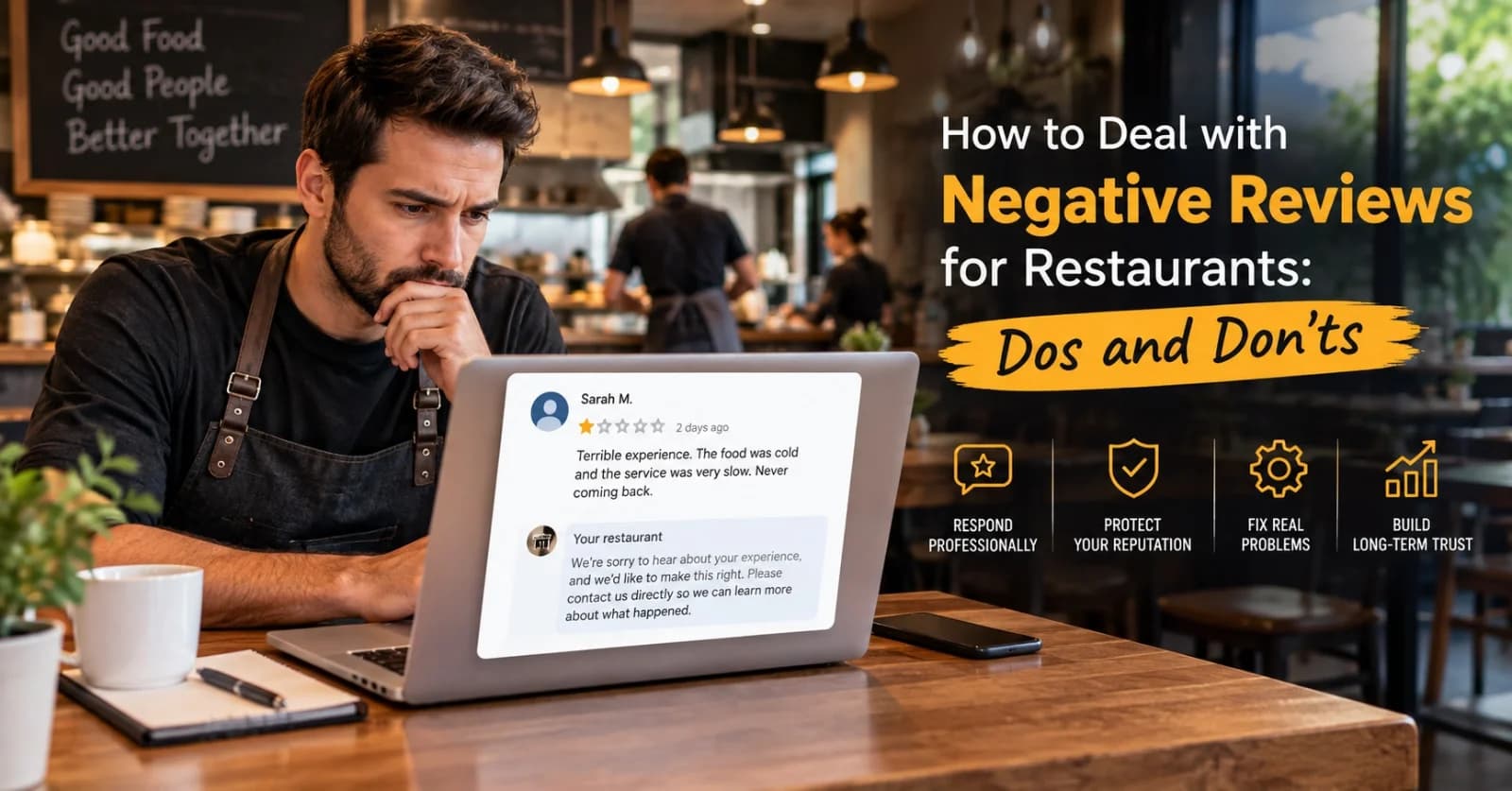
How to Handle Negative Restaurant Reviews: A Practical Dos and Don'ts Guide
A bad review doesn't have to hurt your restaurant's reputation — how you respond to it does more work than the review itself. Here's a clear, practical dos-and-don'ts approach.
6 Sept 2026 · 14 min read
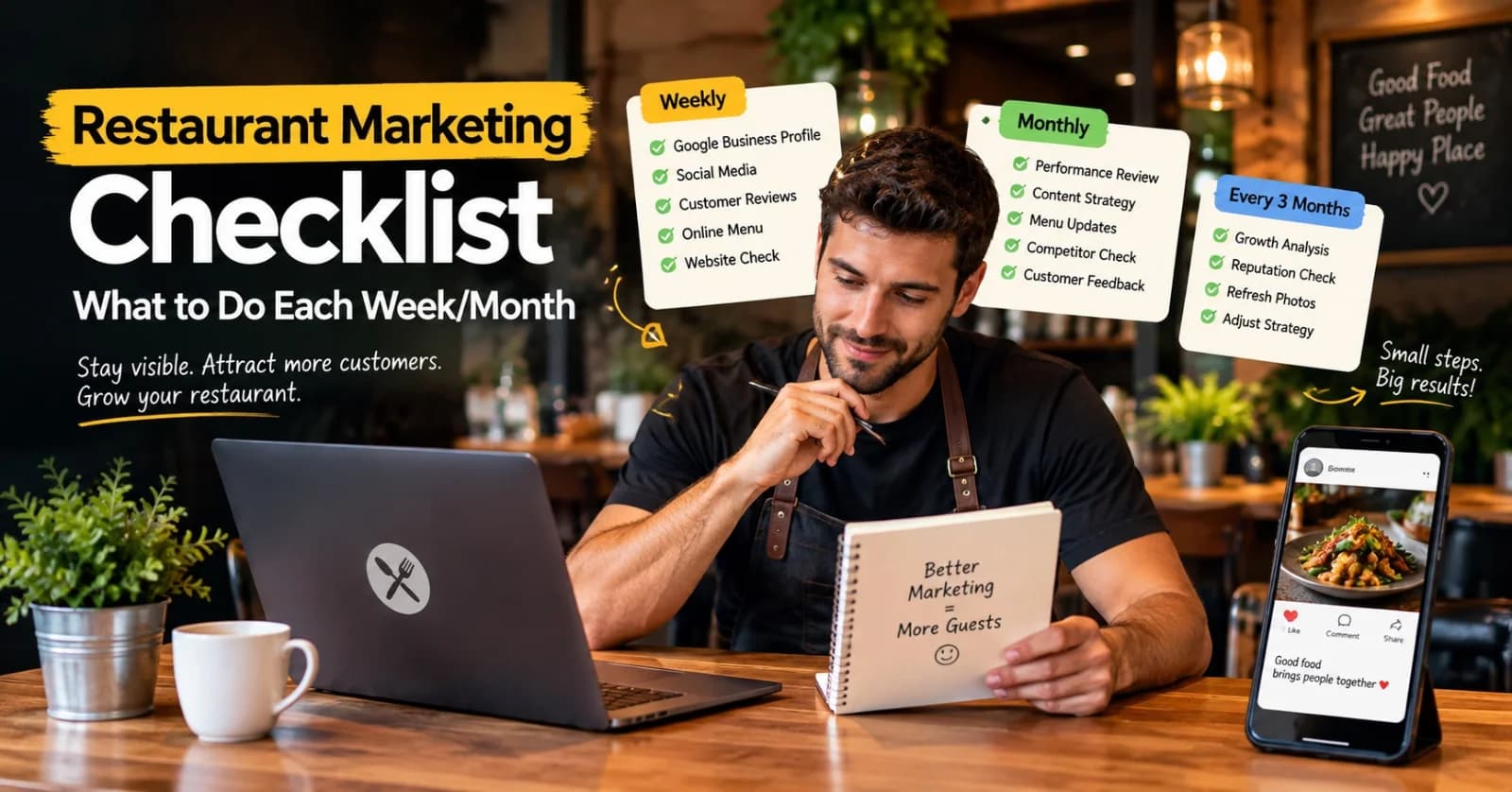
Restaurant Marketing Checklist: What to Do Every Week and Every Month
A realistic, no-burnout routine for restaurant marketing — what's worth checking weekly, reviewing monthly, and revisiting every few months, without turning it into a second job.
11 Sept 2026 · 13 min read
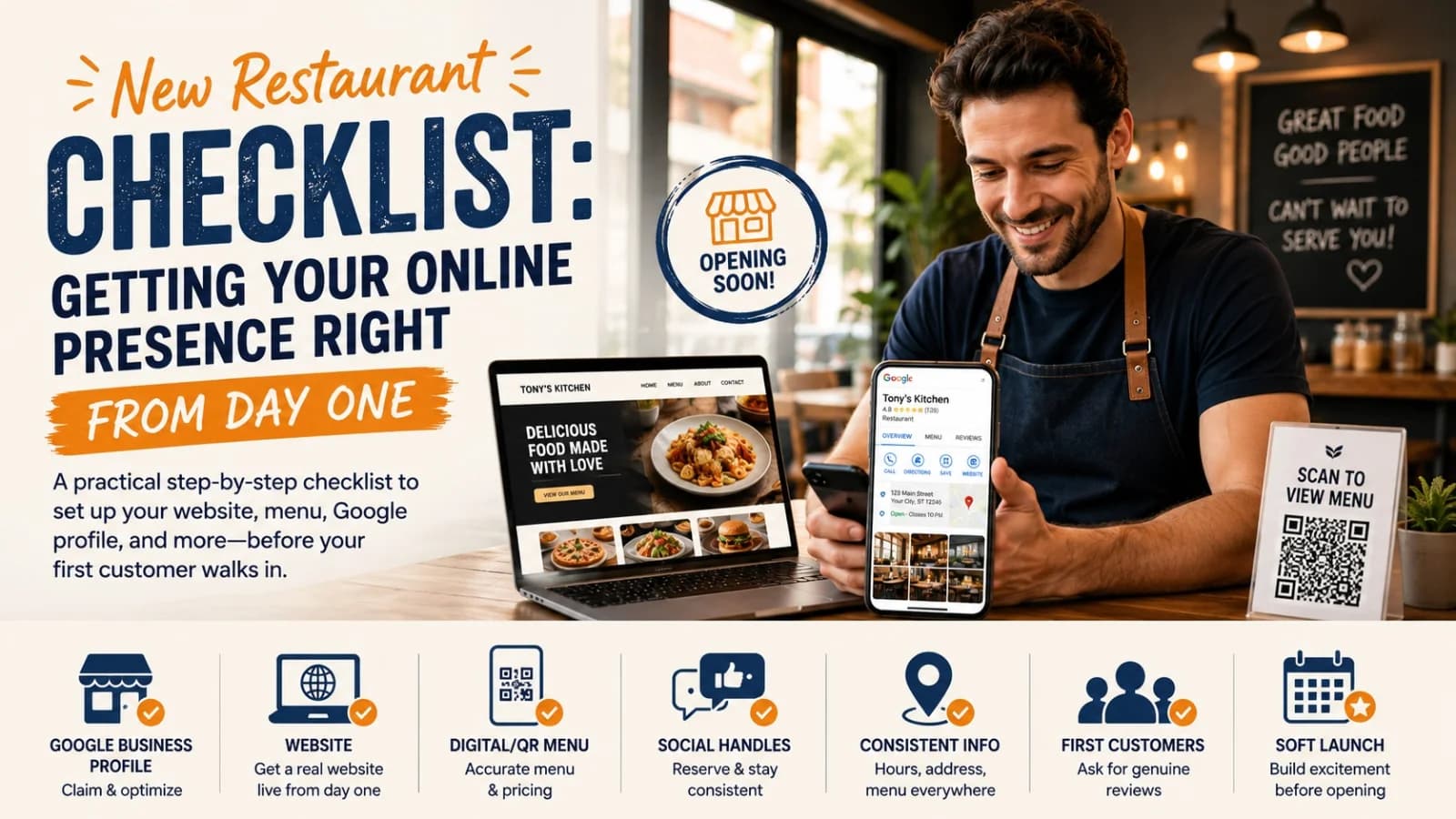
New Restaurant Checklist: Getting Your Online Presence Right From Day One
A practical, ordered checklist for getting your restaurant's website, Google profile, menu, and social presence right before, during, and after opening week — not scrambled together at the last minute.
3 Sept 2026 · 12 min read
About Menuberg
Menuberg helps restaurants create professional websites and digital storefronts without complicated setup. Learn more.