
Home → Blog → Restaurant Website → How to Create a Restaurant Website in 2026: Practical Guide
How to Create a Restaurant Website in 2026: Practical Guide
Learn how to create a professional restaurant website, what it should include, how much it can cost, and how to make it useful for customers.

How to Create a Restaurant Website in 2026: A Practical Guide for Small Restaurants
Having a website used to mean hiring a developer, paying for hosting, and spending weeks putting everything together.
For a small restaurant, that can sound like a lot of work.
But things have changed.
Today, a restaurant can create a professional online presence without having to become a web developer or spend a huge amount of money.
More importantly, a restaurant website doesn't need to be complicated. In many cases, customers simply want to find your menu, check your opening hours, see where you're located, and figure out how to order.
This guide explains what a restaurant website should include, how to create one, and some of the common mistakes restaurants should avoid.
Why Does a Restaurant Need a Website?
Restaurants already have plenty of places where customers can find them.
There is Google, Instagram, Facebook, food delivery apps, review websites, and messaging apps.
So why bother having your own website?
Because those platforms aren't the same thing as having your own online home.
A social media profile is useful for posting updates and engaging with customers. A delivery platform can help you receive orders. Google can help people discover your restaurant.
Your website can bring all of that information together in one place.
A customer who discovers your restaurant might immediately want to know:
- What food do you serve?
- How much does it cost?
- Where are you located?
- Are you open right now?
- Do you offer delivery?
- Can I order online?
- How can I contact you?
A good restaurant website should answer these questions quickly.
What Should a Restaurant Website Include?
You don't need ten different pages to create a useful restaurant website.
For most small restaurants, the essentials are fairly simple.
1. Your Restaurant Name and Branding
The first thing customers should see is a clear indication that they're on the official website of your restaurant.
Use your restaurant name, logo, colors, and photography consistently.
Your website doesn't have to look expensive. It just needs to look professional and trustworthy.
2. Your Menu
For most restaurants, the menu is probably the most important piece of information on the website.
Customers shouldn't have to search through social media posts or download a strange file just to see what you serve.
A web-based menu can make things much easier.
You can organize it into categories such as:
- Starters
- Burgers
- Pizza
- Main courses
- Desserts
- Drinks
You can also include descriptions, prices, and photos where appropriate.
One major advantage of having the menu on your website is that you can update it when prices or items change.
3. Ordering Information
If your restaurant accepts orders, make the process obvious.
Depending on your business, you might accept orders through:
- Your own ordering system
- Phone
- A delivery platform
- Pickup ordering
Whatever method you use, customers shouldn't have to hunt around your website to find it.
A clear Order Now button can make a big difference.
4. Location and Opening Hours
Your address and opening hours should be easy to find.
If you have a physical location, consider adding a map or a link that allows customers to get directions.
Also make it clear whether you offer:
- Dine-in
- Takeaway
- Delivery
- Pickup
These small details can save customers from having to contact you just to ask basic questions.
5. Restaurant Photos
People eat with their eyes first.
Good photographs can help customers understand what your restaurant and food are actually like.
You don't need hundreds of photos.
A few good images of your food, restaurant, interior, exterior, or packaging can be much more useful than a large collection of low-quality pictures.
Do You Need a Website If You Already Have Instagram?
Having Instagram doesn't make a restaurant website unnecessary.
The two serve different purposes.
Instagram is excellent for showing customers what's happening at your restaurant, sharing new dishes, promotions, behind-the-scenes content, and interacting with your audience.
A website is more permanent.
Think of it this way:
Instagram is where you communicate with your audience.
Your website is where customers can find the information they need.
You can also connect the two.
For example, an Instagram profile can send people to your website, while your website can link back to your social media accounts.
What About Google Business Profile?
Your website and Google Business Profile can work together.
Google Business Profile helps customers discover your restaurant through Google Search and Google Maps.
Your profile can provide important information such as your location, opening hours, photos, menu, and ordering options.
Your website can then provide the more complete experience.
A simple customer journey might look like this:
Google Search → Restaurant Website → Menu → Order
This is one reason it's useful to have your own website even if your restaurant already appears on Google.
How Much Does a Restaurant Website Cost?
There isn't one universal price.
The cost depends on how you build the website and what features you need.
Building It Yourself
A restaurant owner can use a website builder or restaurant-focused platform to create a website without hiring a developer.
This can be a practical option for smaller businesses that don't need a highly customized website.
Hiring a Freelancer
A freelancer can build a website specifically for your restaurant.
This gives you more customization, but you'll usually pay more than you would for a standard website builder.
You may also need to rely on the developer when you want to make changes.
Hiring an Agency
An agency can provide a completely customized website and potentially additional services such as branding, SEO, photography, and marketing.
This can make sense for larger businesses, but it may be unnecessary for a small restaurant that simply needs a professional online presence.
Using a Restaurant-Focused Platform
A restaurant-focused platform can sit somewhere between building everything yourself and hiring a developer.
These platforms can provide restaurant-specific features such as digital menus, website templates, QR codes, online ordering, and hosting.
For many small restaurants, this can be a simpler way to get online.
How to Create a Restaurant Website
The process doesn't have to be complicated.
Step 1: Decide What You Want the Website to Do
Start with the customer rather than the technology.
Ask yourself:
What do I want customers to do after visiting my website?
Maybe you want them to:
- View the menu
- Place an order
- Find your location
- Call the restaurant
- Contact you on WhatsApp
- Make a reservation
Knowing this before building the website will help you decide what information and buttons you actually need.
Step 2: Collect Your Restaurant Information
Prepare everything before you start.
You'll typically need:
- Restaurant name
- Logo
- Menu
- Prices
- Opening hours
- Address
- Phone number
- Ordering information
- Social media links
- Restaurant photos
Having everything ready makes the process much easier.
Step 3: Choose How You Want to Build It
You don't necessarily need a developer.
You can build a website yourself using a website builder or use a restaurant-focused service designed to make the process easier.
The technology isn't the most important part.
What matters is whether the finished website is:
- Easy to use
- Mobile-friendly
- Fast
- Easy to update
- Professional-looking
Step 4: Build the Essential Pages
Don't try to build everything at once.
A small restaurant can start with:
Home
Menu
About
Contact / Location
Order
You can always add more pages later.
Step 5: Make Sure It Works on Mobile
This is one of the most important steps.
A large percentage of restaurant customers will discover or visit your website from a phone.
Your menu should be easy to read.
Buttons should be easy to tap.
Images shouldn't break the layout.
Customers shouldn't have to zoom in just to read your prices.
Always test your website on an actual phone before publishing it.
Step 6: Connect Your Domain
A custom domain makes your restaurant easier to remember.
For example:
yourrestaurant.com
looks much more professional as a primary website address than a long temporary URL.
Step 7: Connect Your Other Online Channels
Once your website is ready, connect it to the places where customers already find you.
For example:
Google Business Profile → Website
Instagram → Website
Facebook → Website
QR Code → Website
Packaging → Website
This turns your website into a central destination for your restaurant's online presence.
Should You Use a QR Code for Your Restaurant Website?
QR codes can be extremely useful for restaurants.
But the QR code itself isn't the important part.
What matters is where it takes the customer.
Instead of linking a QR code to a static PDF that might become outdated, you can link it to a mobile-friendly restaurant website.
Then, if you change a menu item or price, you can update the website without having to print a completely new QR code.
The customer journey becomes simple:
Scan QR Code → Restaurant Website → Menu → Order
You can also put the same website link on your social media profiles, Google profile, packaging, receipts, and other marketing materials.
Common Restaurant Website Mistakes
Building a website is only half the job.
You also need to make sure it actually works for your customers.
Using Only a PDF Menu
A PDF isn't necessarily bad, but it isn't always the easiest experience on a phone.
A customer may have to download the file, zoom in, scroll around, and then go back to the browser to find your ordering information.
A web-based menu can provide a smoother experience.
Hiding the Menu
If customers visit your website because they want to see your food, don't make them search for it.
Your menu should be one of the easiest things to find.
Making Ordering Difficult
If you accept online orders, make the ordering process obvious.
A customer who has to search through several pages to figure out how to order may simply leave.
Forgetting to Update Information
An outdated menu can be worse than no menu.
If your prices, opening hours, phone number, or available dishes change, update your website.
Ignoring Mobile Users
A beautiful desktop website isn't enough.
If the website is difficult to use on a phone, you're creating unnecessary friction for your customers.
Making the Website Too Complicated
You don't need animations everywhere, dozens of pages, or complicated features that customers never use.
A restaurant website should make things easier.
Not harder.
What Is the Simplest Restaurant Website?
For many small restaurants, a useful website can be surprisingly simple.
You need:
A clear homepage.
An easy-to-read menu.
Restaurant information.
Location and opening hours.
A clear way to order or contact the restaurant.
That's enough to establish a professional online presence.
As the restaurant grows, you can add features and pages based on what customers actually need.
How Menuberg Helps Restaurants Build an Online Presence
This is the problem Menuberg was built around.
Many small restaurants don't need a complicated custom website.
They need a simple place where customers can see their restaurant, browse the menu, find important information, and take the next step.
Menuberg lets restaurants create a digital storefront that they can share with customers through their website address, QR codes, social media, and other channels.
Instead of treating a restaurant menu as just a printed card or PDF, the idea is to make it part of a living online presence that can be updated whenever the restaurant needs it.
[Create Your Restaurant Website →]
Final Thoughts
A restaurant website doesn't need to be complicated.
It needs to be useful.
Customers should be able to answer the most important questions quickly:
What do you serve?
How much does it cost?
Where are you located?
Are you open?
How can I order?
If your website answers those questions clearly and works well on a phone, you've already solved most of the problem.
Your website doesn't have to replace Google, Instagram, Facebook, or delivery platforms.
It can connect all of them.
When someone discovers your restaurant anywhere online, your website can give them one reliable place to find the information they need and decide what to do next.
Ready to build your restaurant's online presence?
Menuberg helps restaurants launch a professional website and QR digital menu in minutes — no coding required.
Create Your Restaurant WebsiteRelated Articles
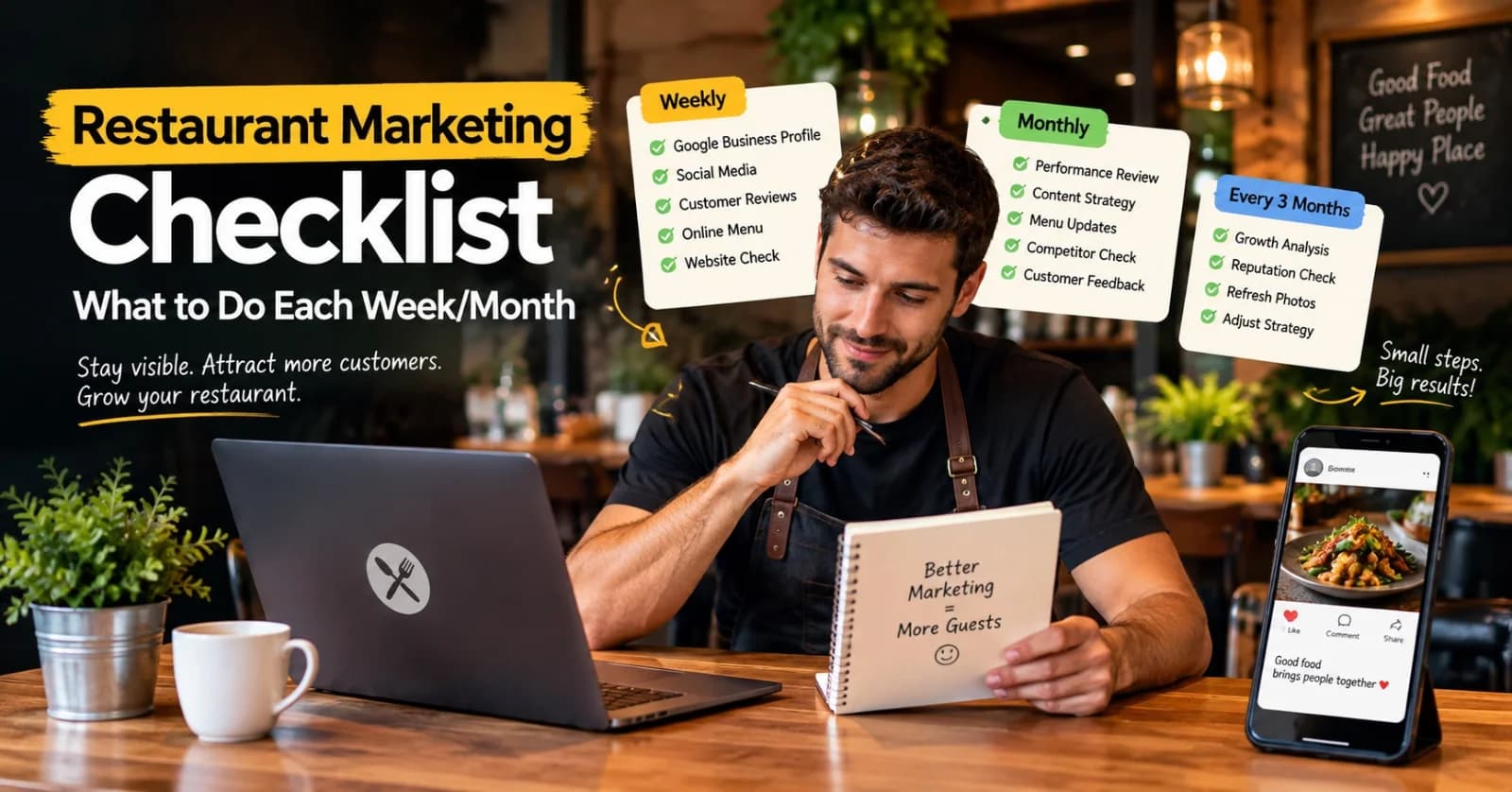
Restaurant Marketing Checklist: What to Do Every Week and Every Month
A realistic, no-burnout routine for restaurant marketing — what's worth checking weekly, reviewing monthly, and revisiting every few months, without turning it into a second job.
11 Sept 2026 · 13 min read
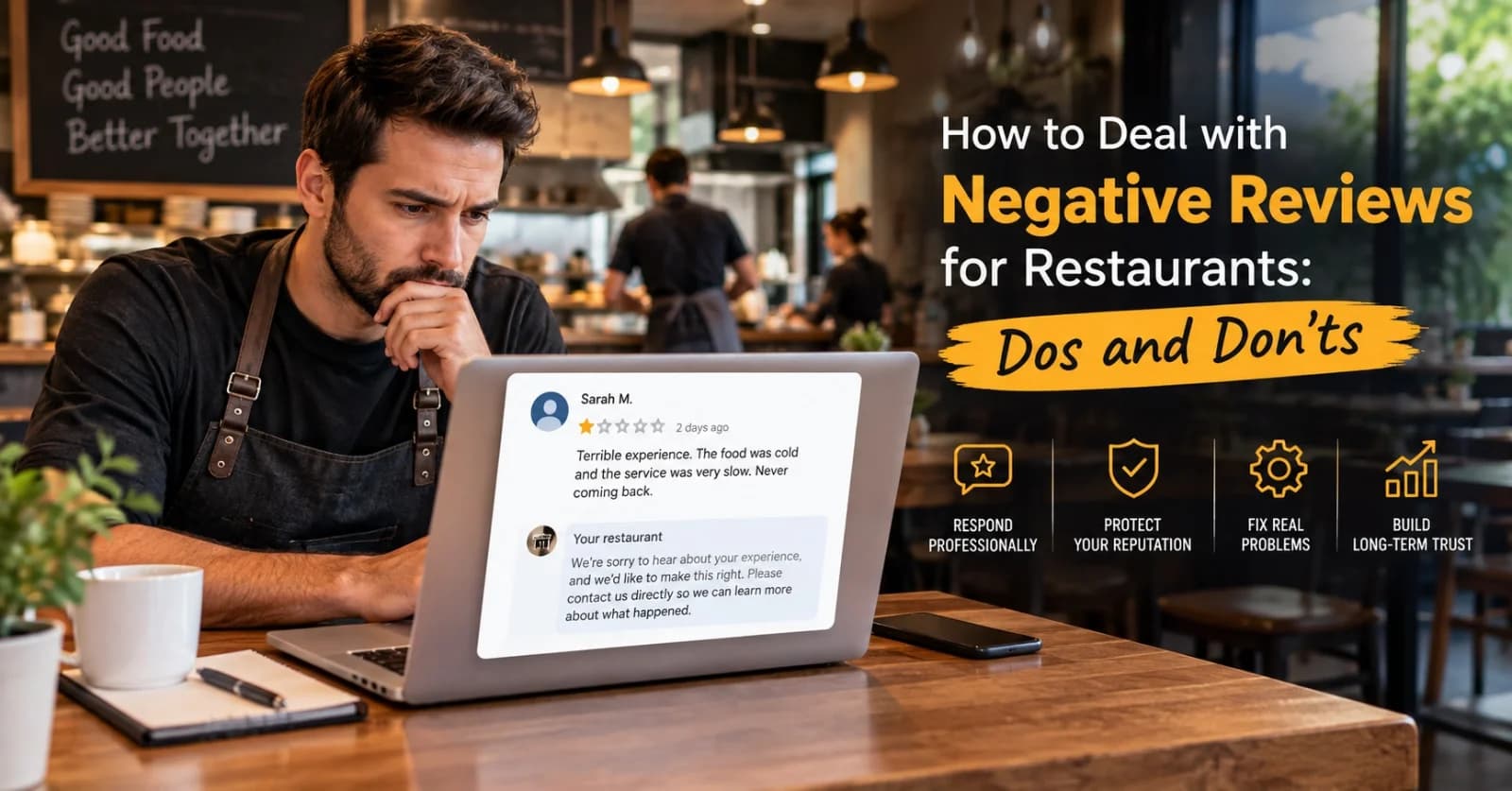
How to Handle Negative Restaurant Reviews: A Practical Dos and Don'ts Guide
A bad review doesn't have to hurt your restaurant's reputation — how you respond to it does more work than the review itself. Here's a clear, practical dos-and-don'ts approach.
6 Sept 2026 · 14 min read
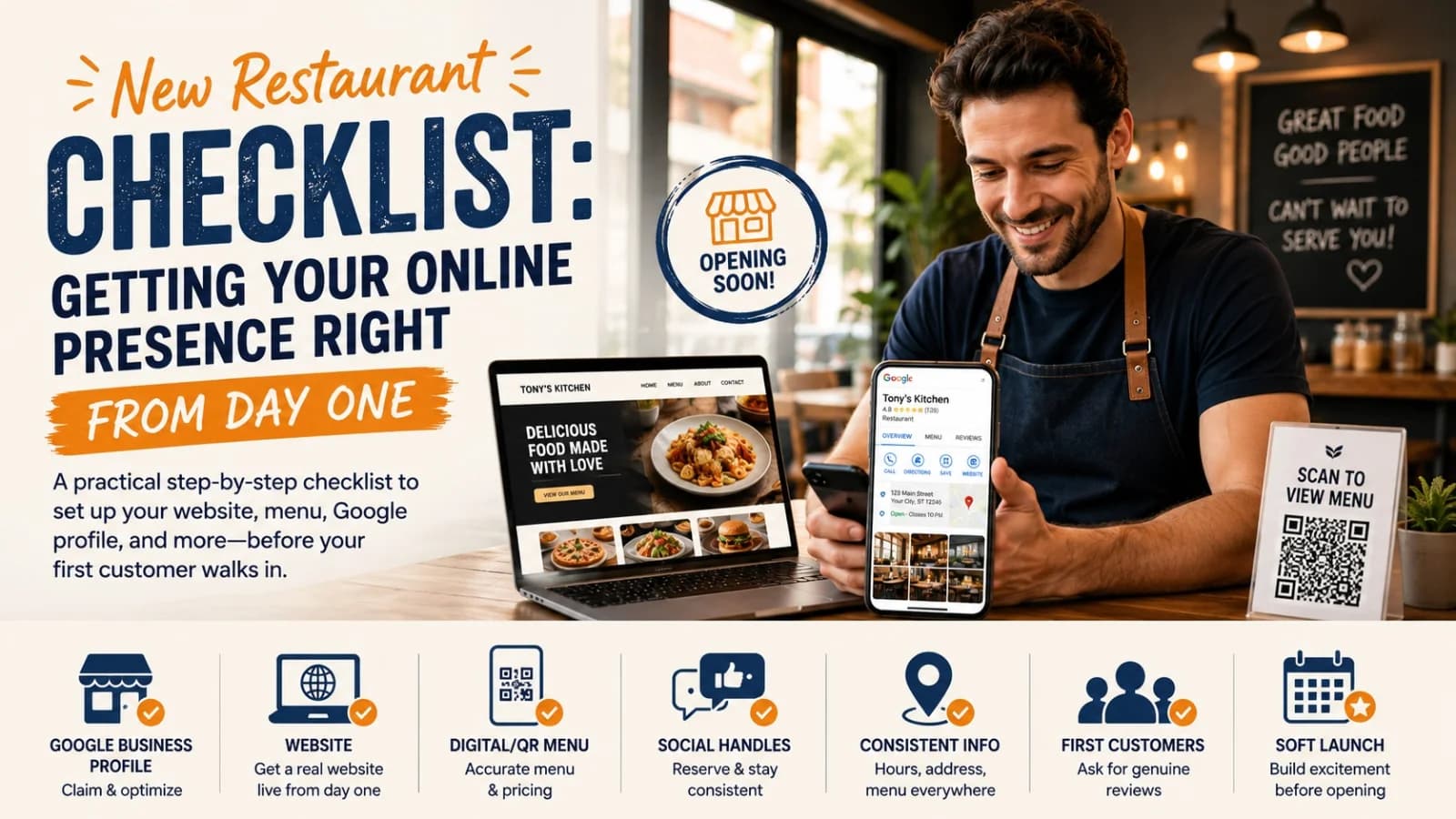
New Restaurant Checklist: Getting Your Online Presence Right From Day One
A practical, ordered checklist for getting your restaurant's website, Google profile, menu, and social presence right before, during, and after opening week — not scrambled together at the last minute.
3 Sept 2026 · 12 min read
About Menuberg
Menuberg helps restaurants create professional websites and digital storefronts without complicated setup. Learn more.